All the Little Things
A minute to spare.
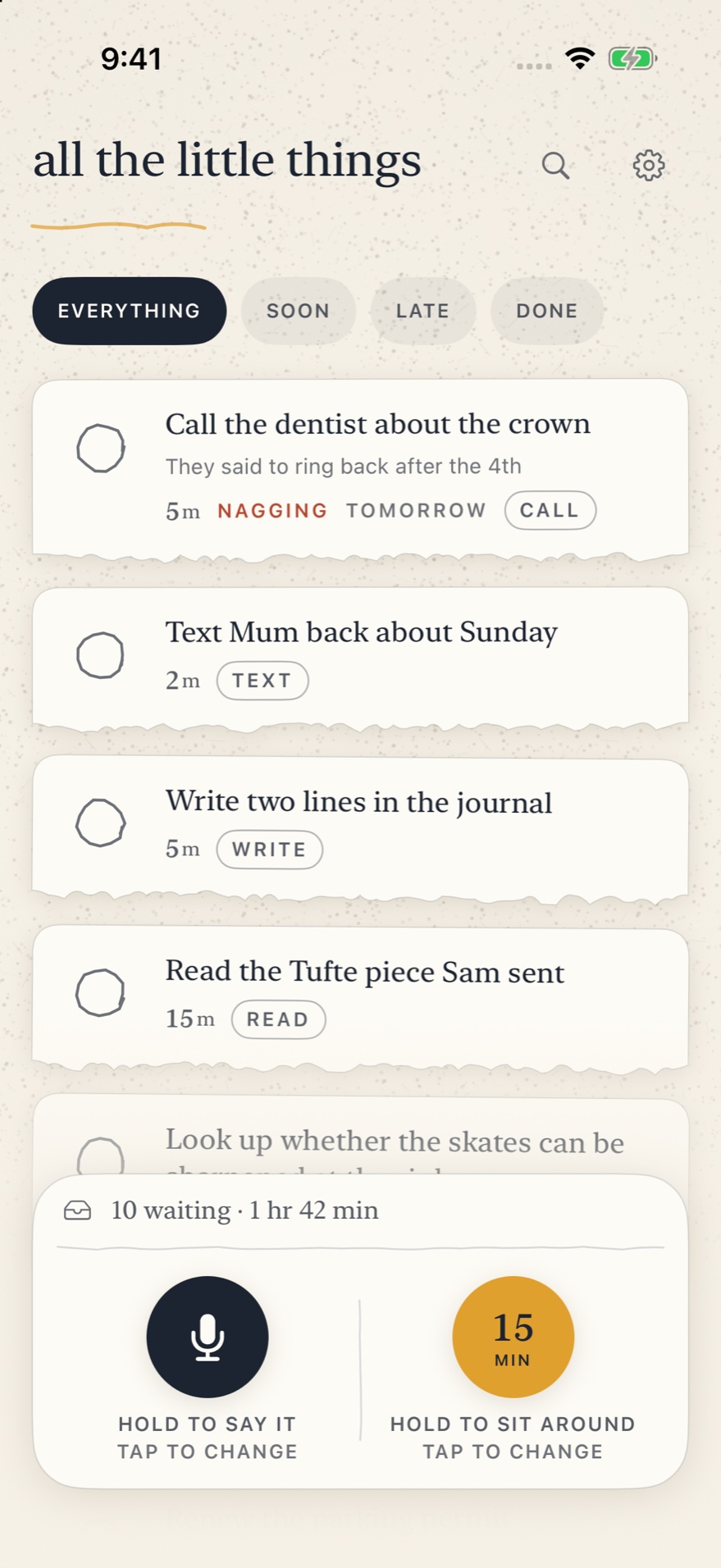
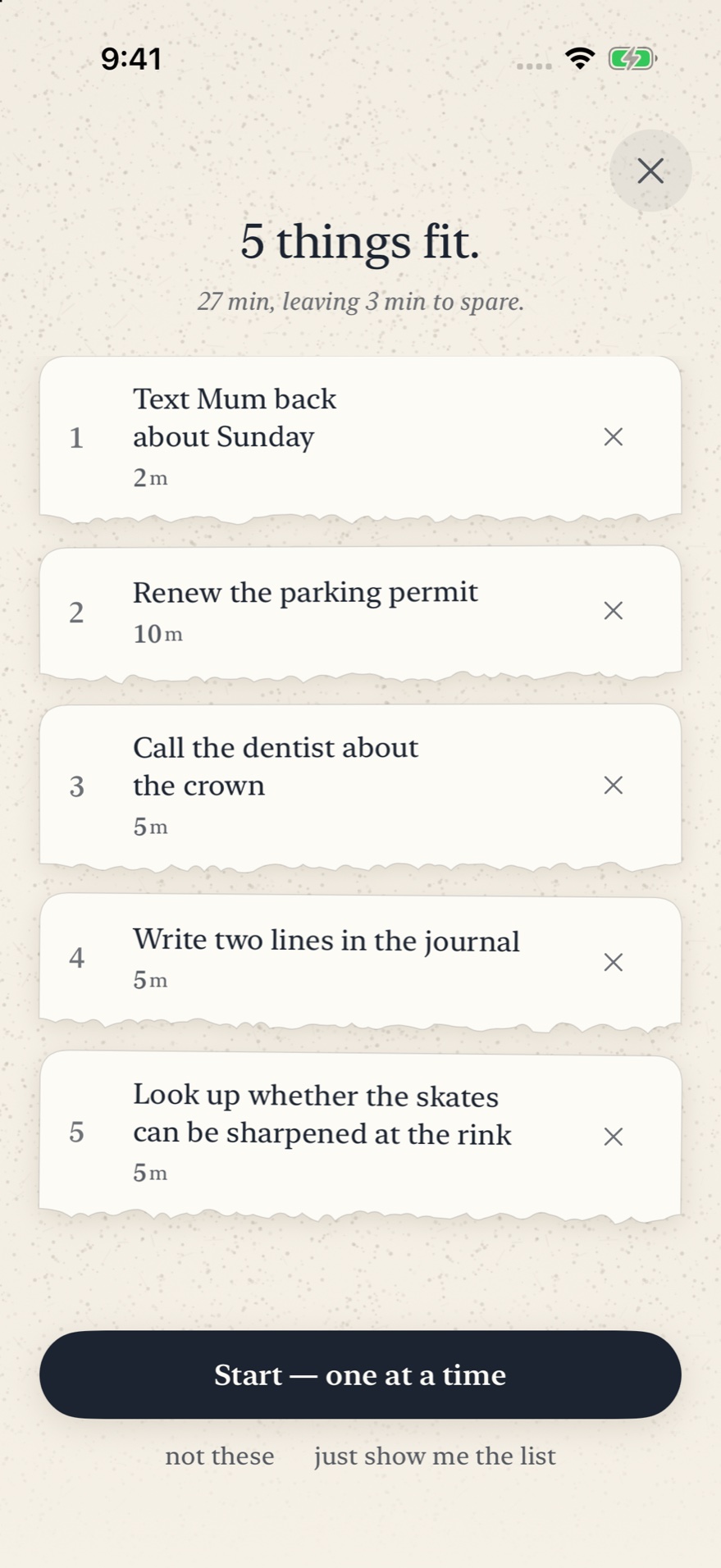
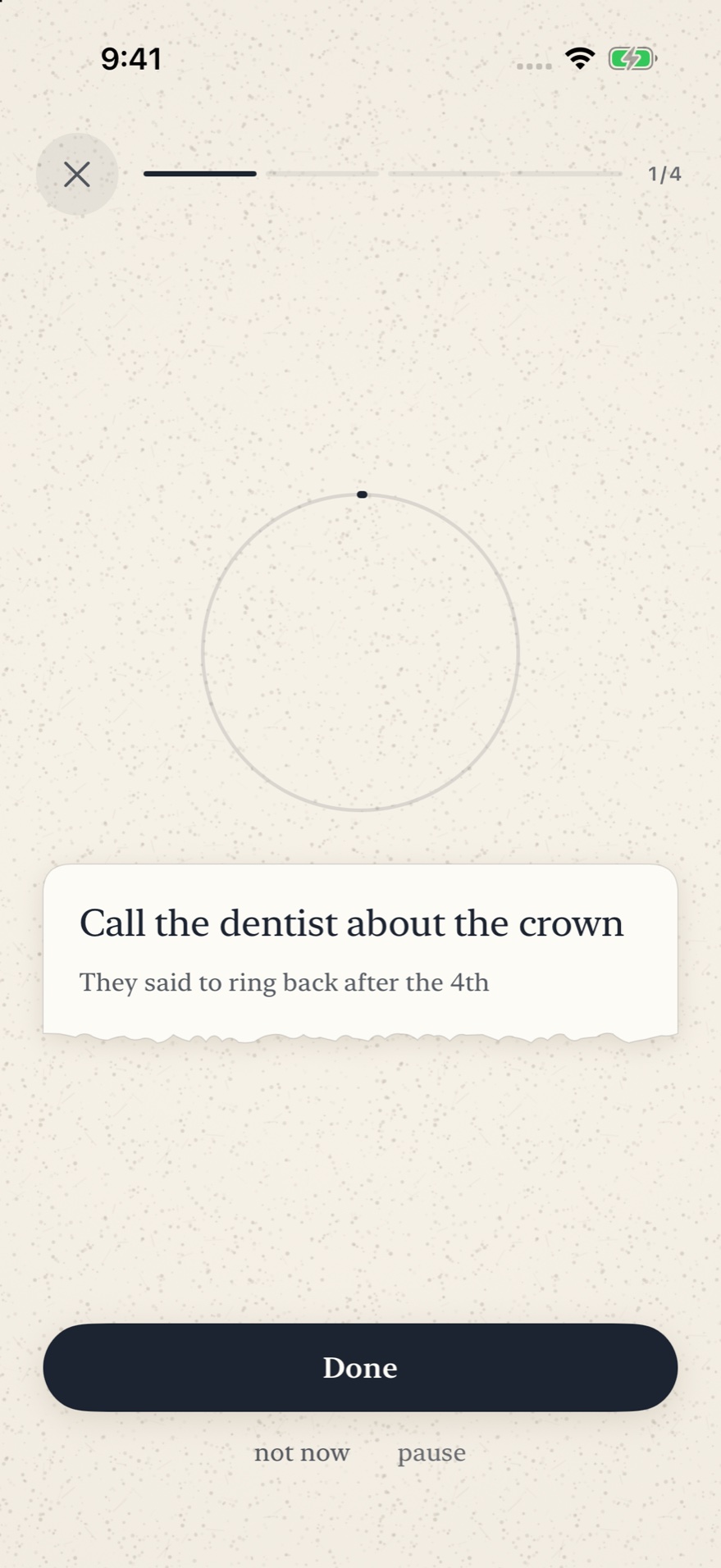
A reminder asks you when. This asks you how long. What it holds is the stuff that is never late and never scheduled, only forgotten: ring the dentist back, find the receipt for the boots, reply to the note from school. You say one into it the second it occurs to you and it goes on a shelf with no date on it, nothing set up and nothing counting. Then practice runs long, or the queue is not moving, and you tell it you have eleven minutes. It gives you three things that come to ten, already picked and already in order, so that the minutes go on one of them instead of on deciding.
What it does with the time you did not plan
Say it and it is caught
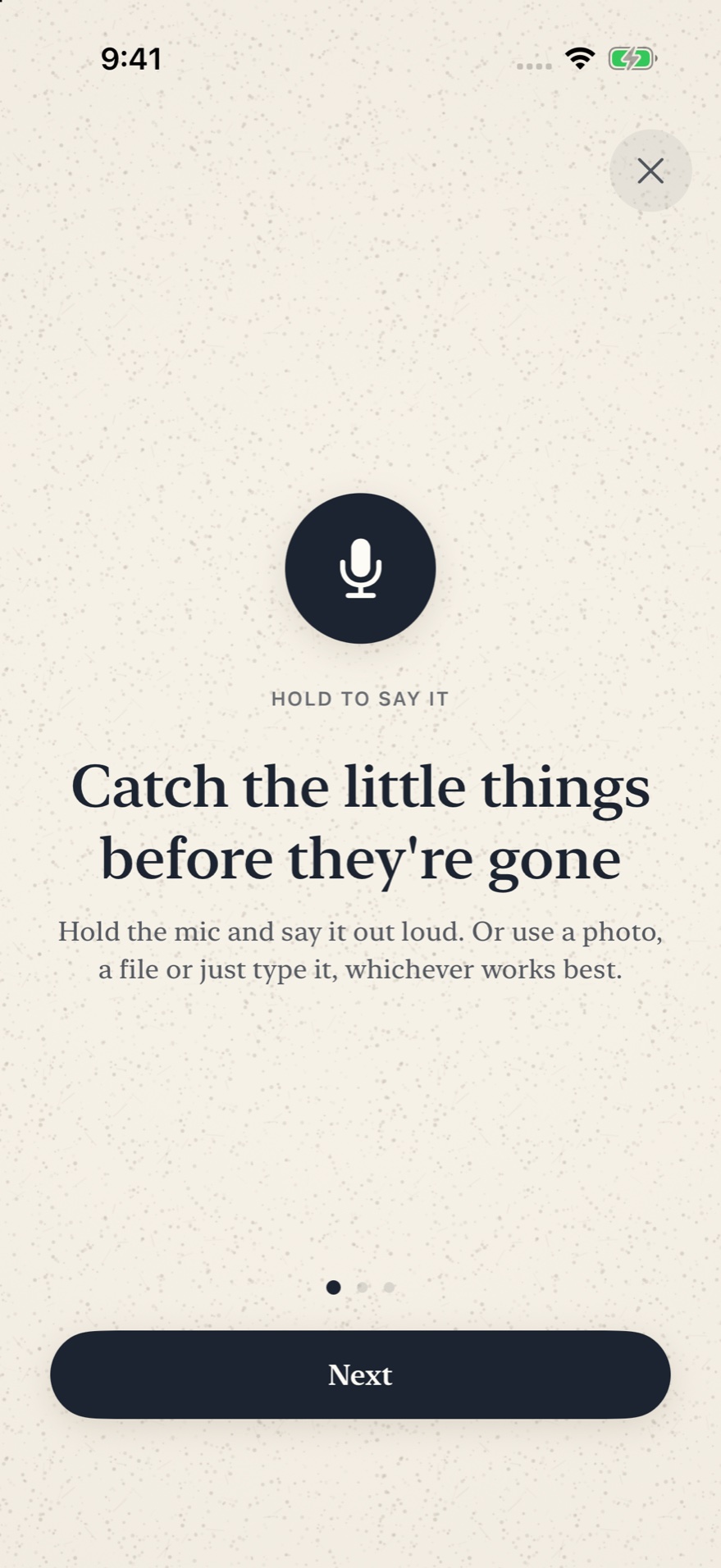
Hold the one big button, say the thing, let go. It reaches the shelf before the phone is back in your pocket, and your own words become the title, because the phone does the listening and the writing and none of it leaves the device. A photo of a form, a file, a link shared out of Safari and a line of typing all land the same way. If it could not make out what you said it tells you so and asks you to name it, since a note that failed quietly looks exactly like one that worked.
How long, not when
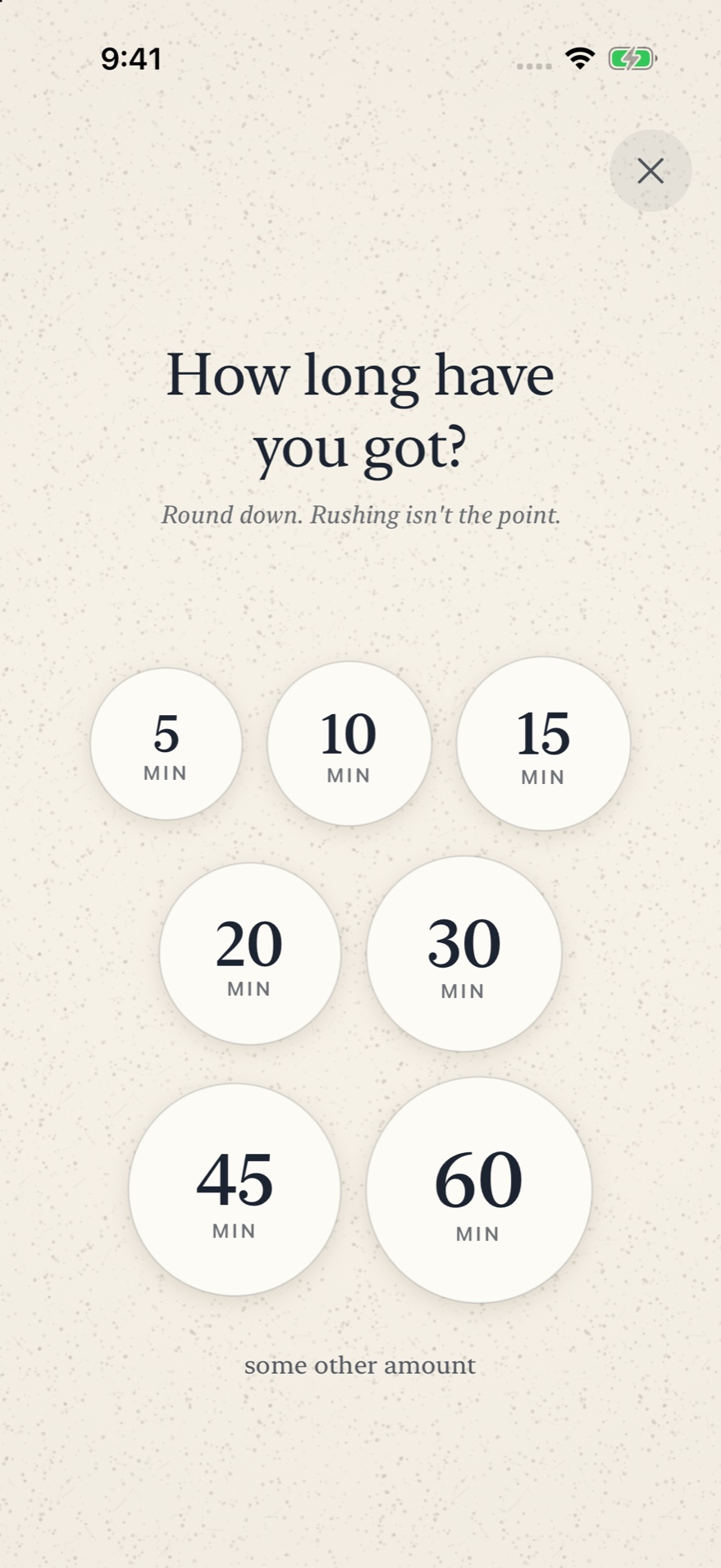
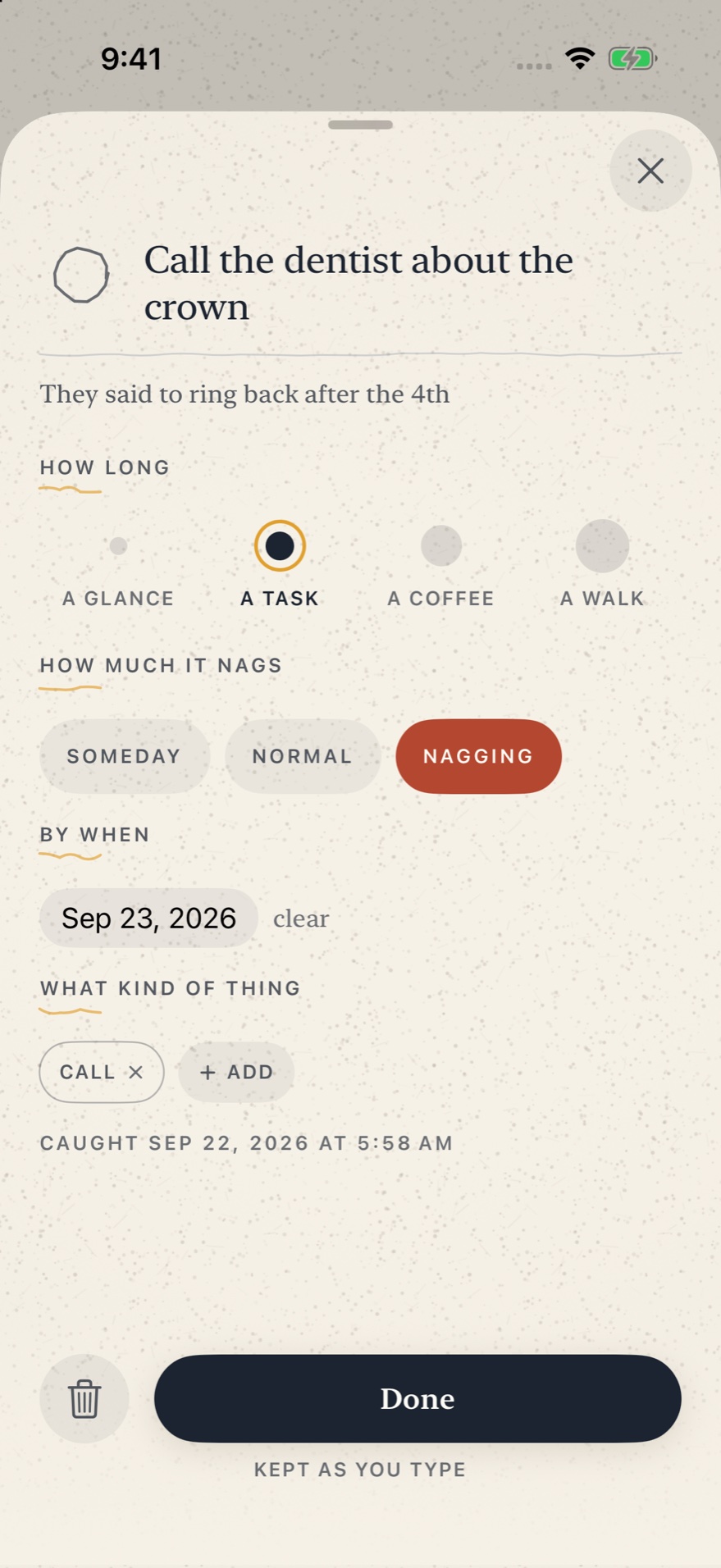
Everything you catch gets one number, and the number is not a date. Four dots, sized like the thing they stand for: a glance, a task, a coffee, a walk. One tap sets it and there is no keyboard and no wheel to spin. A due date is there for the rare thing that genuinely has one, and most of what you put here will never get one. Nothing in this app is ever late.
It hands you a set, not a list
Tell it you have fifteen minutes and it does the arithmetic: which handful of things comes closest to filling that window without running past it. It weighs what nags, what has sat there longest and what you have already waved away twice, then gives you three things and a total. A list of everything under fifteen minutes would still leave you a decision to make, and a decision is the one thing you cannot manage standing in a car park at quarter to five.
It never tells you to do anything
No notifications, no badges, no streak to keep and no weekly review. Nothing in it goes off, ever. Instead the way in is already under your thumb: a button in Control Centre, on the Lock Screen or on the Action Button, a widget with the next three things on it, and a phrase Siri knows. You are the one who decides there is a spare minute.
Said from your wrist
One screen on the watch: tap, say it, tap. It never asks you to hold a button down while holding your arm still. The watch keeps the recording rather than firing it off, so it survives being out of range or switched off, and it tells you where the thing actually is instead of claiming it arrived the moment you lifted your finger. Your phone writes the title once it gets there.
The same shelf everywhere, and nowhere else
Sign in to iCloud and the shelf and its recordings turn up on your iPad and your other phone, in your own private database, on your own storage, with everything you wrote or said sealed so that only your devices can open it. There is no account to make and no server of ours. Turn iCloud off and all of it still works, and stays on the one phone.
- Platform
- iPhone, iPad and Apple Watch
- Requires
- iOS 26 or later, watchOS 26 or later
- Price
- Free
- Ads
- None
- Purchases
- A tip jar in Settings, and nothing else. The app is free and fully functional; leaving a tip is completely optional and unlocks nothing
- Offline
- All of it. A link you save goes and fetches its own title when there is a signal, and the shelf catches up with your other devices then too
- Elsewhere
- A widget, a button for Control Centre, the Lock Screen and the Action Button, the Share Sheet, and four phrases Siri knows
- Data
- On your phone, and in your own iCloud if you are signed in. No account, no server of ours